 serin labs
The controller's web interface is available on your local network when its web server is enabled.
On this page
Open the controller
- Connect your phone or computer to the controller's local network.
- Find its address.
HomeKit-compatible firmware uses
http://Serin-XXXX.local, with the controller's own four-character suffix. On Matter-compatible firmware, use the IP address from your router's connected-device list, because the.localaddress may not open. ESPHome useshttp://<device-name>.local; after adding it to ESPHome, use the name you chose. The ESPHome dashboard also shows the IP address. - Open that address in a browser. If that address does not open, find the controller in your router's connected-device list and open
http://<controller-ip>.
Use http://, not https://.
Controls and settings
On HomeKit-compatible and Matter-compatible firmware, Climate changes mode and temperature; Airflow changes fan and vanes. See the settings reference for other sections.
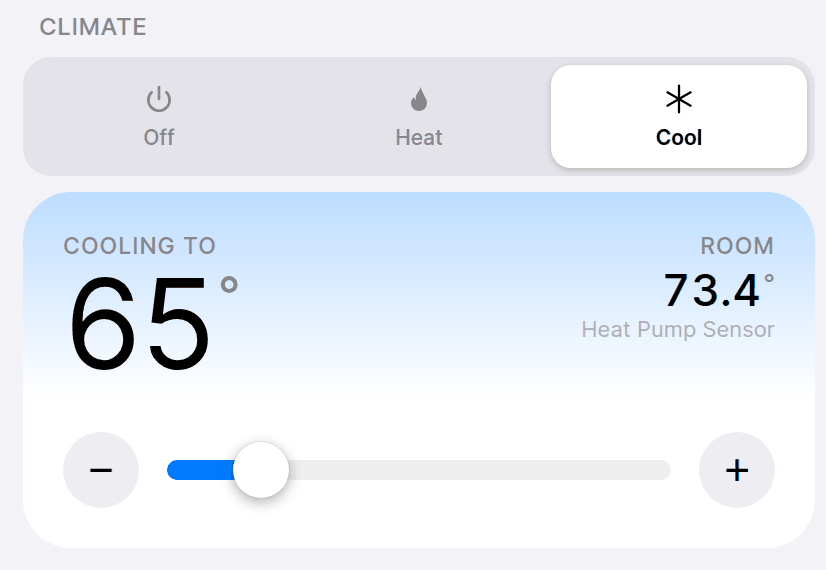
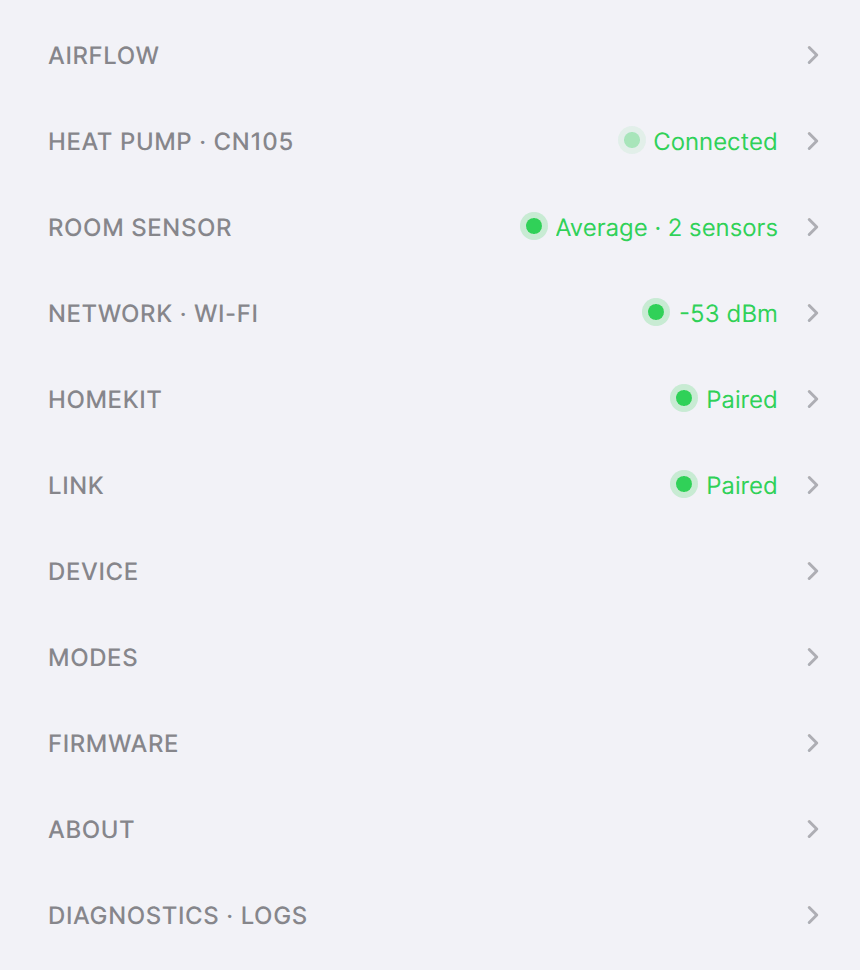
ESPHome's page shows configured entities and works while Home Assistant is unavailable. Keep ESPHome web server enabled when customizing the configuration.
- Change temperature, mode, fan and vanes.
- Set supported modes, vane type, names and units.
- Choose a room sensor.
- Update, back up or reset the controller.
- Collect diagnostics and logs.
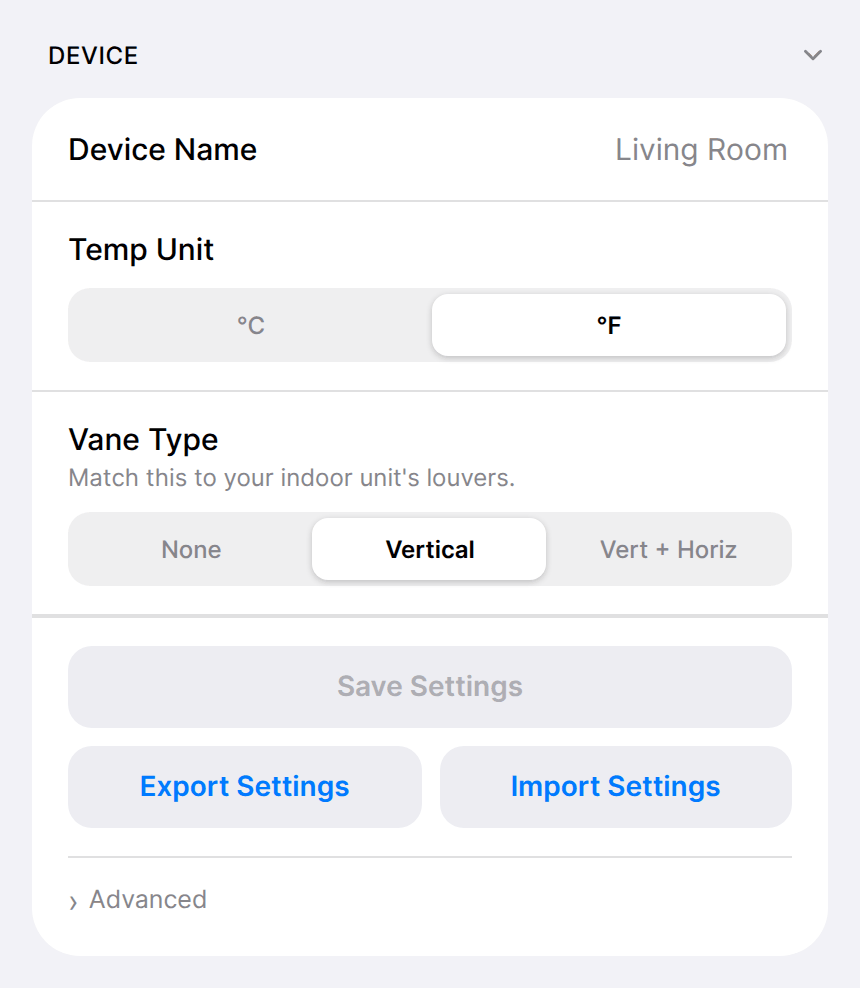
Modes and temperature ranges
The Modes section controls availability and target limits for each mode. Set modes and temperature ranges for your indoor unit.
Identify a controller
On HomeKit-compatible and Matter-compatible firmware, select Firmware > Flash LED. That controller's light blinks white for three seconds.
If the interface does not open
If the IP address also fails, follow Wi-Fi recovery. A reachable controller with missing heat-pump data needs CN105 troubleshooting.