 serin labs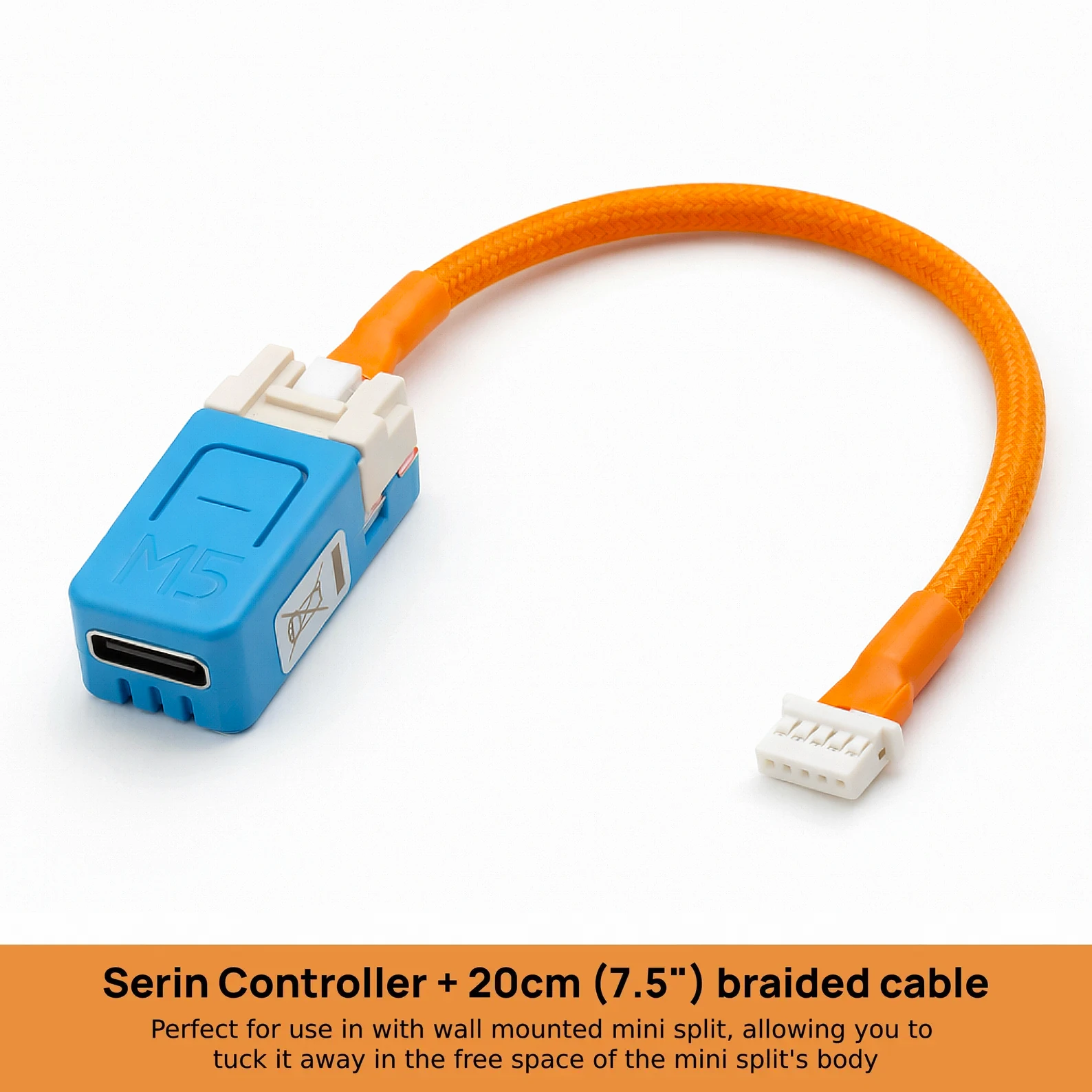
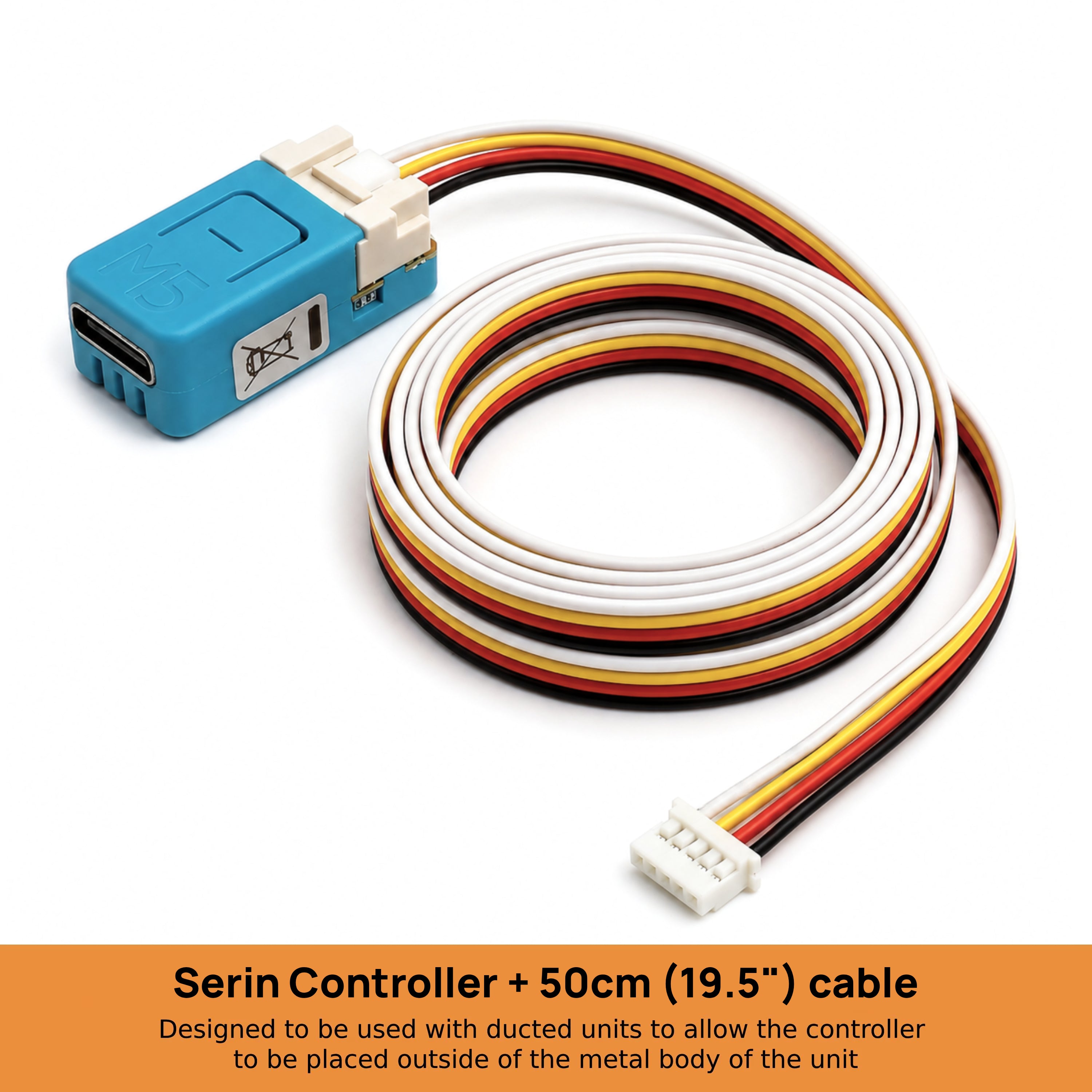
Serin CN105 ESP32 Controller
$40Pre-assembled Wi-Fi controller with a tested CN105 cable for Mitsubishi Electric mini-splits. Install the free firmware for Home Assistant, Apple Home, Google Home, or Alexa. Local control, no account, no subscription. Remote access needs a home hub.
Add-ons
Secure checkout by Shopify, shipped from New Jersey.
Fits your unit? · Read the manual
Will it fit your unit?
Type the model from the indoor unit's sticker.
Requires a free CN105 port. Not for Ecodan or units with a wired wall controller on the same port.
Overview
Optional room sensor
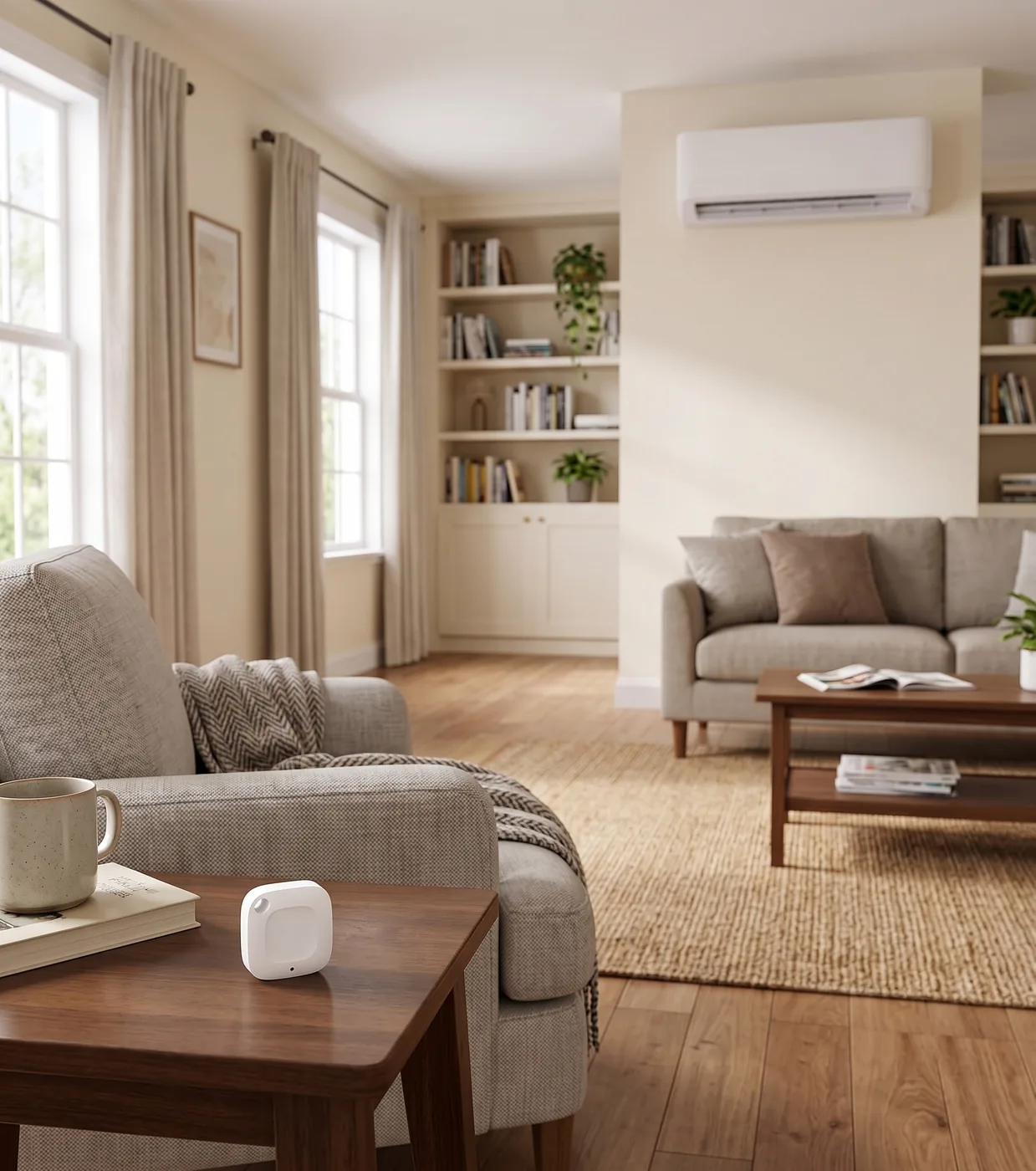
Sense the room, not the ceiling
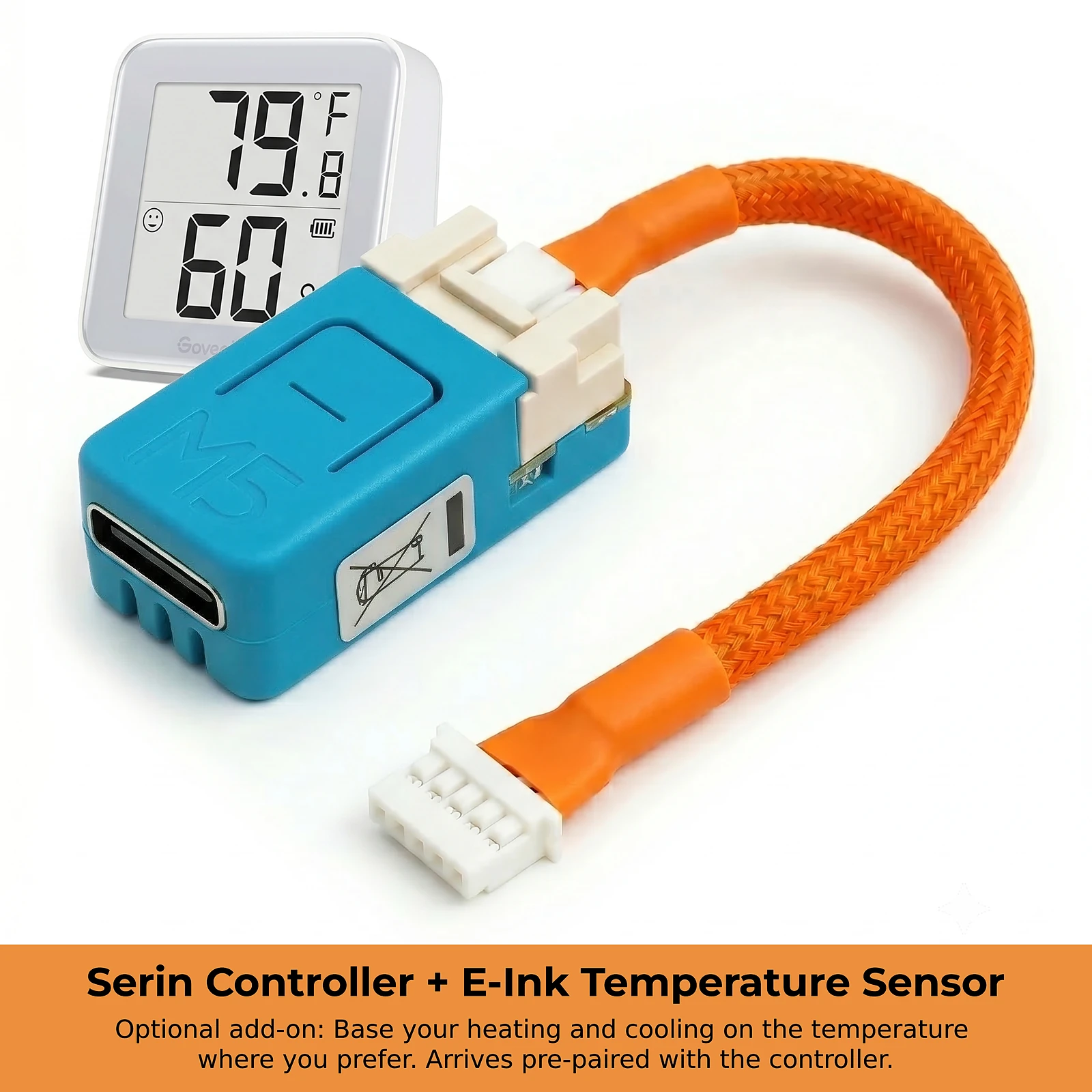
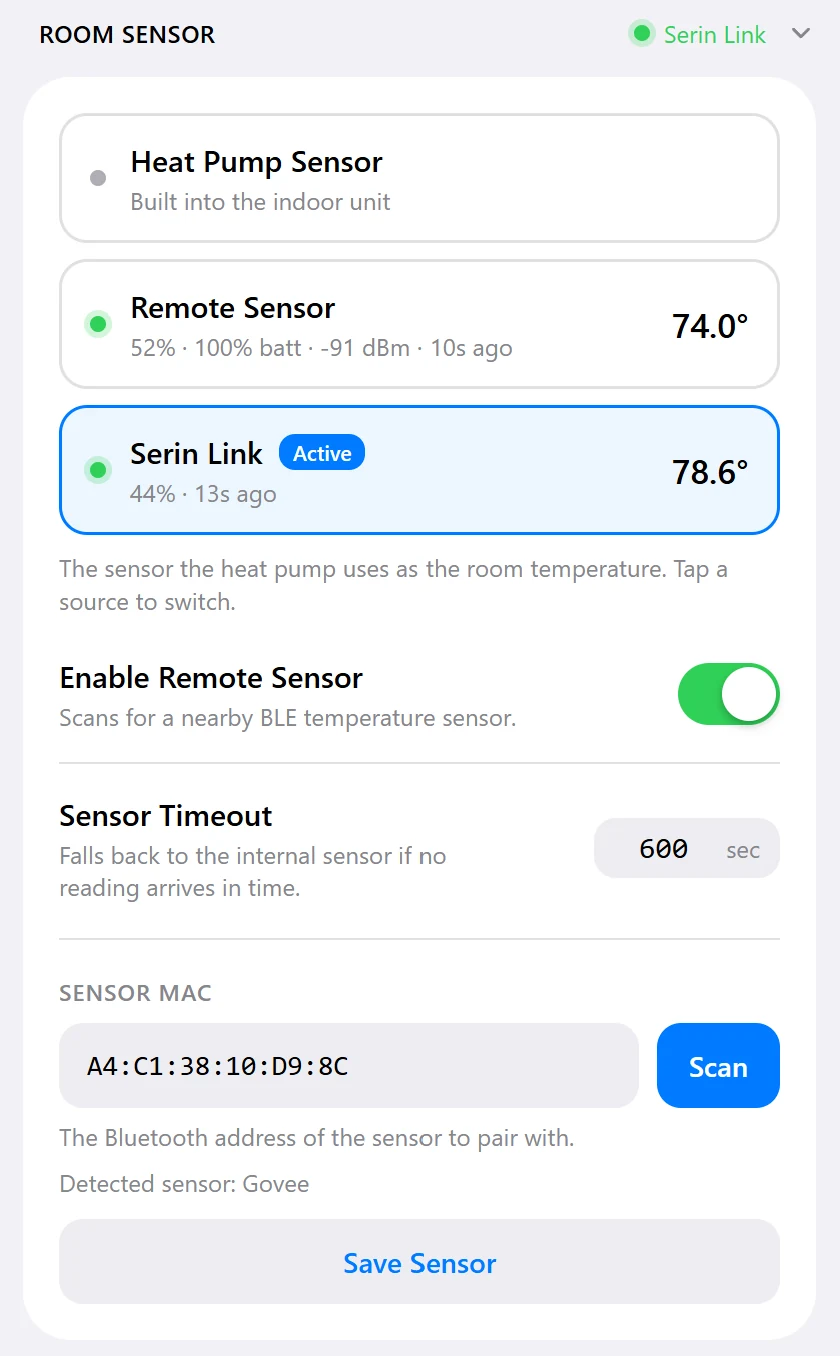
A mini-split reads temperature in its own return air at the ceiling, which warms long before the room does. The wireless sensor measures where you sit, and the heat pump controls to that reading instead.
Automatic fallback
Out of range or flat battery, and the unit's own sensor takes over.
Move it anywhere
Nightstand or desk; the heat pump follows the reading there.
Bring your own
Compatible Bluetooth thermometers work too. Supported models
Or via Home Assistant
ESPHome firmware can read any HA temperature sensor.
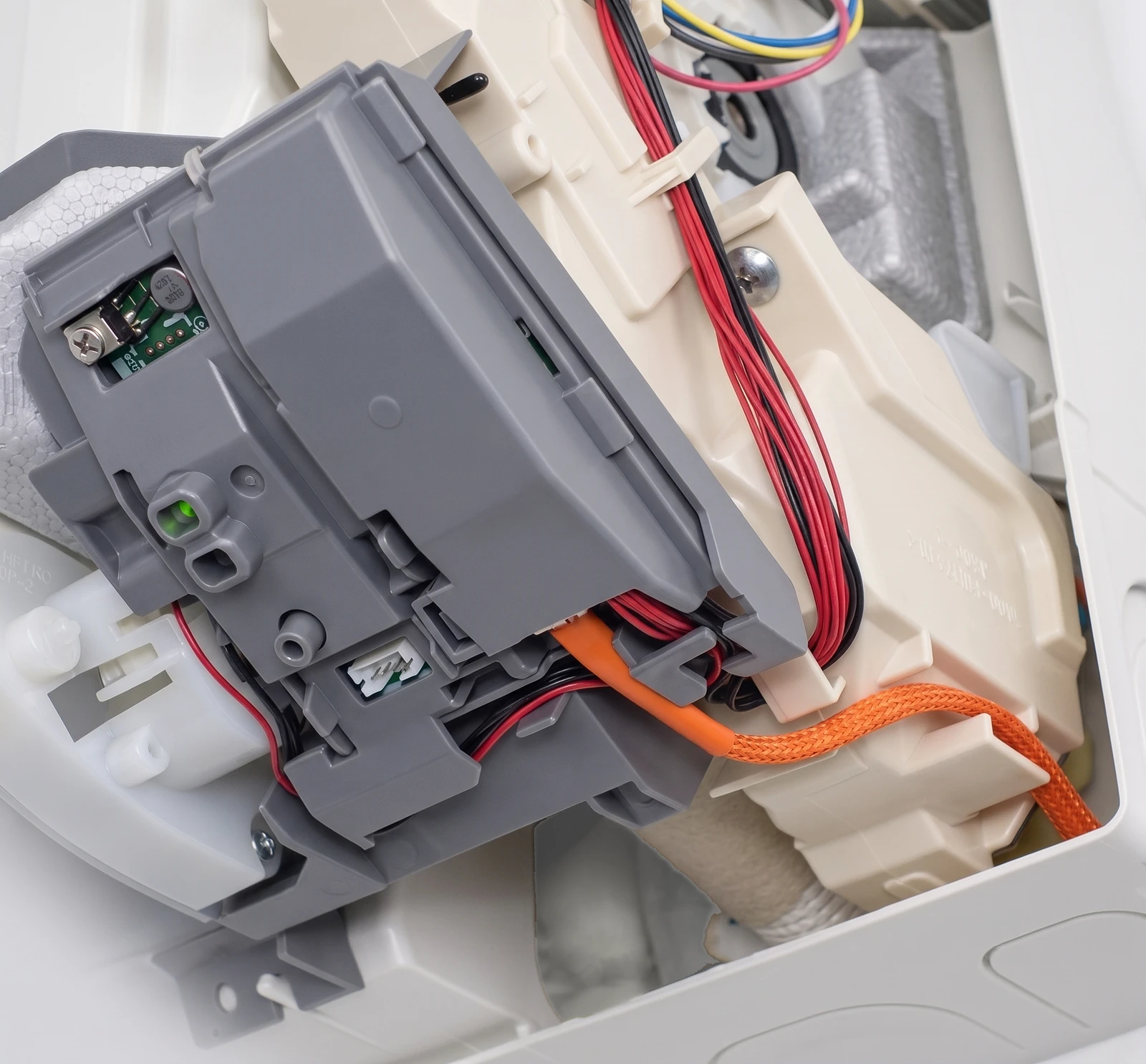
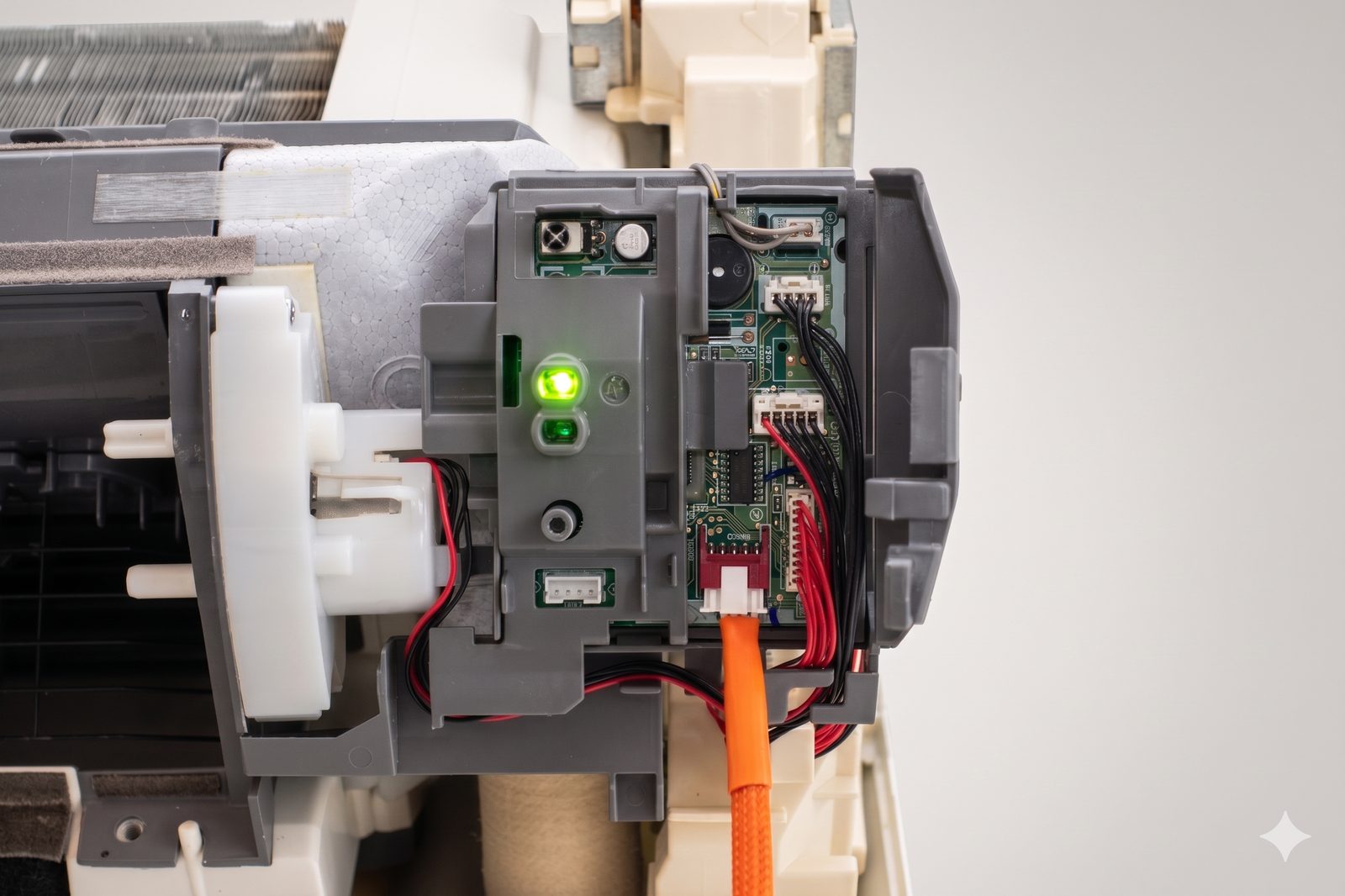
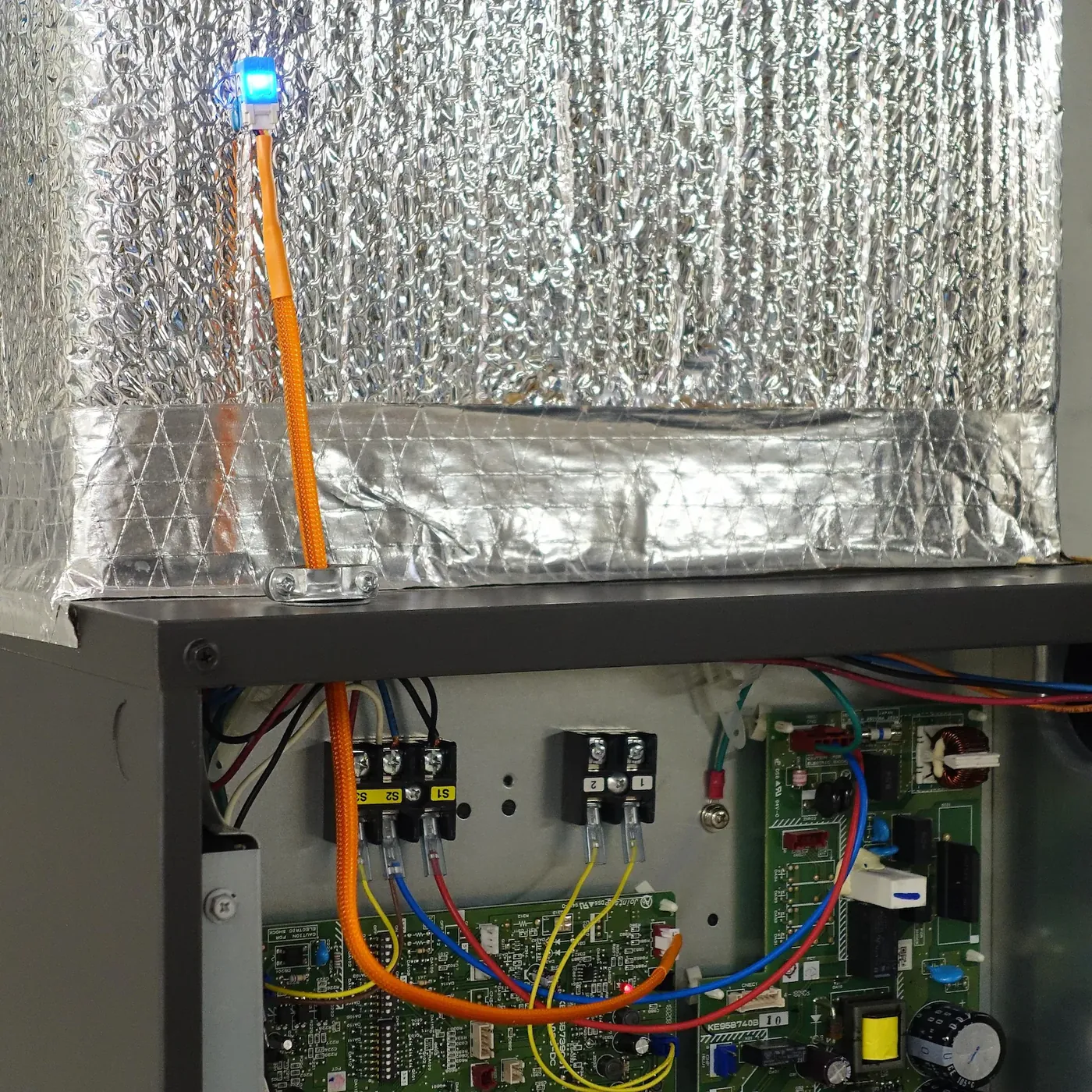
Installed
Technical
- Connection
- CN105 service port, via the attached CN105-to-Grove cable
- Wireless
- 2.4 GHz Wi-Fi
- Firmware
- ESPHome (Home Assistant), HomeKit-compatible (Apple Home, Siri), Matter-compatible beta (Google Home, Alexa, SmartThings)
- Flashing
- From a computer with Chrome or Edge over a USB-C data cable; later updates over Wi-Fi
- Cable length
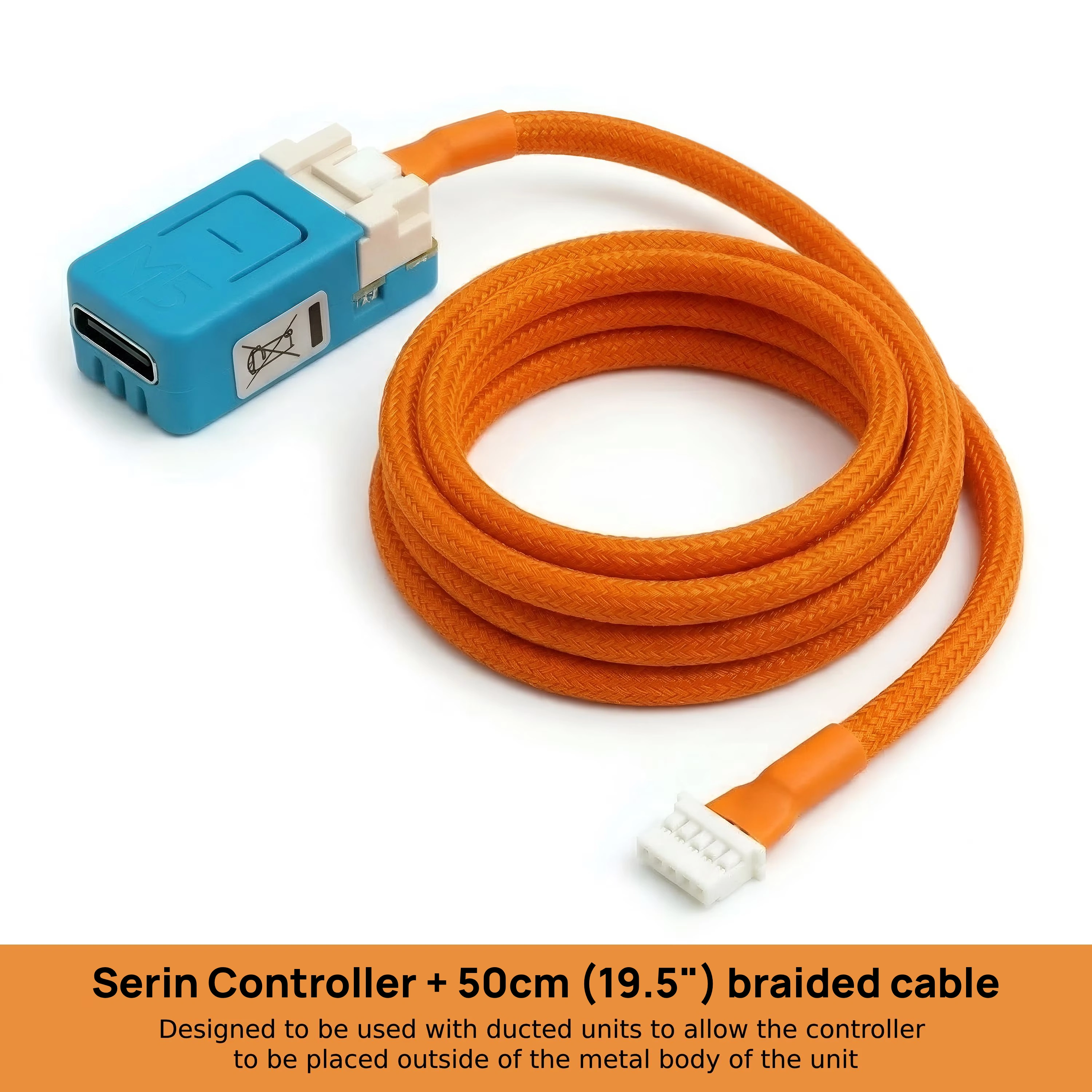
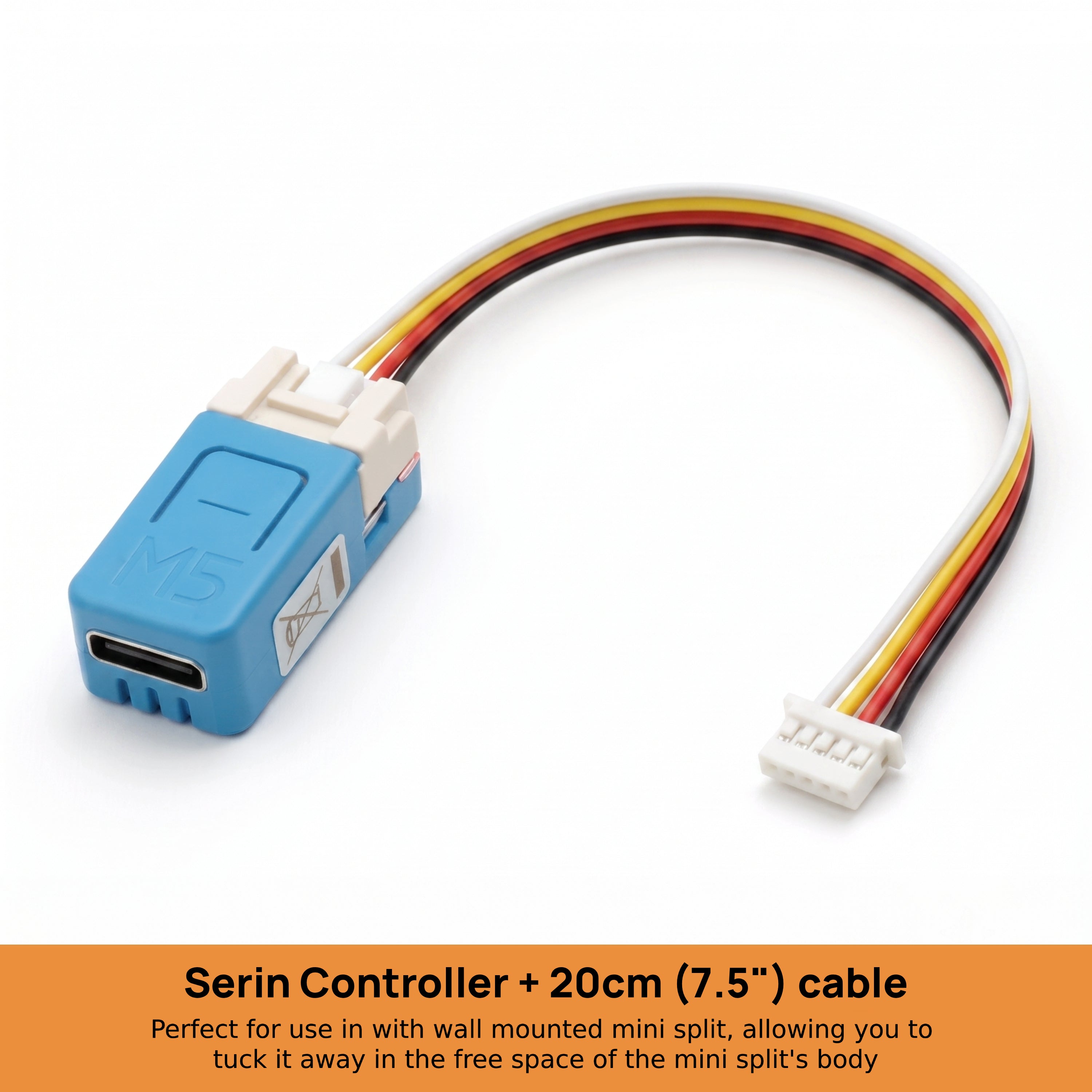
- 20 cm (wall units, cassettes) or 50 cm (ducted air handlers: SVZ, MVZ, PEAD, PVA)
- Cable finish
- Standard, or orange braided sleeving with heat shrink at both ends
- Room sensor
- Optional Bluetooth thermometer, read directly by the controller
- Cloud
- None. Runs on your local network; remote access through your home hub. No account or subscription
- Coverage
- One controller per indoor unit
- Hub requirements
- Apple Home Hub for HomeKit remote access; a Home Assistant server; or a Matter hub on an IPv6-enabled network
In the box
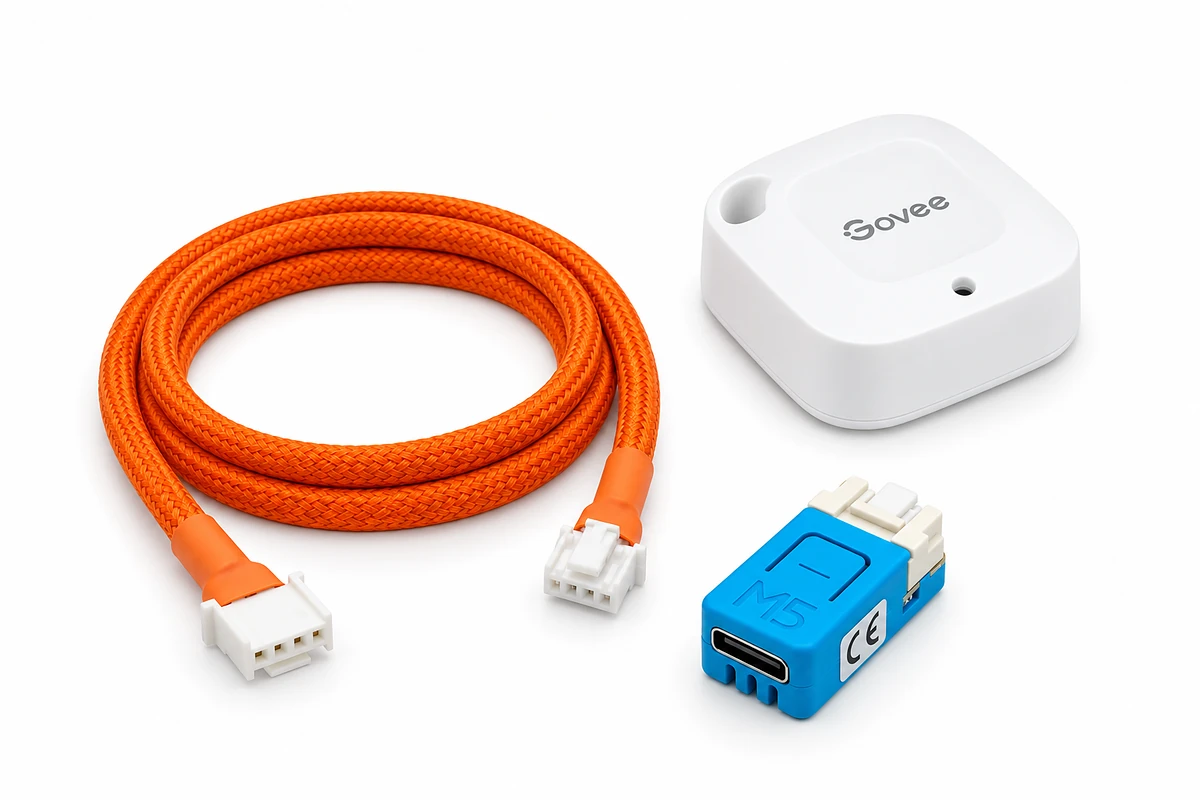
-
1×
Wi-Fi controller board
Small enough to sit inside the unit.
-
1×
CN105-to-Grove cable, attached
20 cm, 50 cm, braided. standard. Plugs straight into the CN105 port.
-
0×1×
Wireless room sensor optionalnot selectedincluded
Battery-powered Bluetooth thermometer the controller reads directly.
Not included: firmware (free, installed by you from Chrome or Edge on a computer) and a USB-C data cable for the one-time flash. If you only need the cable for a board you already have, it's sold separately.
FAQ
Does it work with Apple Home and Siri?
Yes. With the free HomeKit-compatible firmware, the controller appears in the Apple Home app as a thermostat, with mode, temperature, and fan control, plus Siri voice commands. Remote access and automations need an Apple Home Hub (Apple TV or HomePod). It's not an MFi-certified accessory, so pairing shows a one-time "Add Anyway" prompt. See the full feature list, or the walkthrough: add a Mitsubishi mini-split to Apple Home.
Does it work with Google Home and Amazon Alexa?
Yes. The free Google Home & Amazon Alexa compatible firmware adds it to either app as a thermostat. You need a compatible Matter hub, such as a Nest speaker or display, or an Echo; scan the pairing code and the app handles Wi-Fi. It is in beta, newer and less tested than the other firmware options, and not certified by Google or Amazon, so the app shows a one-time uncertified notice. Read the Google Home guide or Alexa guide, then follow the setup guide.
Which optional room sensor do you offer?
The optional sensor is a small battery-powered Govee Bluetooth thermometer. If you already own a compatible Bluetooth thermometer you can use that instead; the supported models are on the feature list, and Home Assistant users can use the YAML generator to configure the controller to read a temperature sensor already connected to Home Assistant.
How many do I need?
One controller per indoor unit, since each one has its own port. A 3-zone system needs three controllers.
Can I switch platforms later?
Yes. Connect the controller by USB-C and use the flash tool to install firmware for a different platform. After setup, you can install firmware updates over Wi-Fi.
Can I build one myself instead?
Yes. The same firmware runs on a supported ESP32 board connected with a CN105-to-Grove cable. The parts list identifies both components and includes the JST part numbers for making the cable. The pre-assembled controller provides these parts already sourced, assembled, and tested.
Is this an official Apple or Mitsubishi product?
No. It is an independent open-source project with no ties to Apple Inc. or Mitsubishi Electric Corporation. The HomeKit-compatible firmware is not an MFi-certified accessory. Sources and licenses are on the licenses page.
What else do I need?
- A USB-C data cable for the one-time flash.
- For HomeKit remote access and automations: an Apple Home Hub (Apple TV or HomePod).
- For Home Assistant: a Home Assistant server already running in your home.
- For Google Home, Alexa, or SmartThings: the app and a compatible Matter hub, such as a Nest speaker or display, an Echo, or a SmartThings hub, on a home network with IPv6 enabled.
- Home Wi-Fi that reaches the room (the board uses the 2.4 GHz band, which every home router has).
What if something's wrong with my order?
Use the contact form with your order number. Direct orders ship from New Jersey and are covered by the store policies: 30-day returns, 12-hour cancellations, and a full refund or replacement for an item that arrives damaged or nonfunctional. Orders placed on Etsy are handled there. For technical help, start with the troubleshooting guide.
Limitations
- Firmware is not installed before shipping. Use the browser flash tool to install the ESPHome, Apple Home, or Google Home and Alexa compatible firmware at no charge.
- The controller uses local communication and does not require a cloud service, account, or subscription.
- Each controller operates one indoor unit. A multi-zone system requires one controller per indoor unit; the outdoor unit does not require one.
- Ecodan air-to-water heat pumps are not compatible. They have a similar connector but use a different serial protocol.
- The controller does not replace the handheld infrared remote, which continues to work.
- The controller cannot share CN105 with a wired wall controller. MHK2, MHK1, PAC-SDW01RC-1, and PAR-series controllers use the same port, and CN105 splitters are not supported.
After it arrives
Install, connect, and pair
Flash from Chrome or Edge on a computer, plug into the unit, add to your app.