 serin labs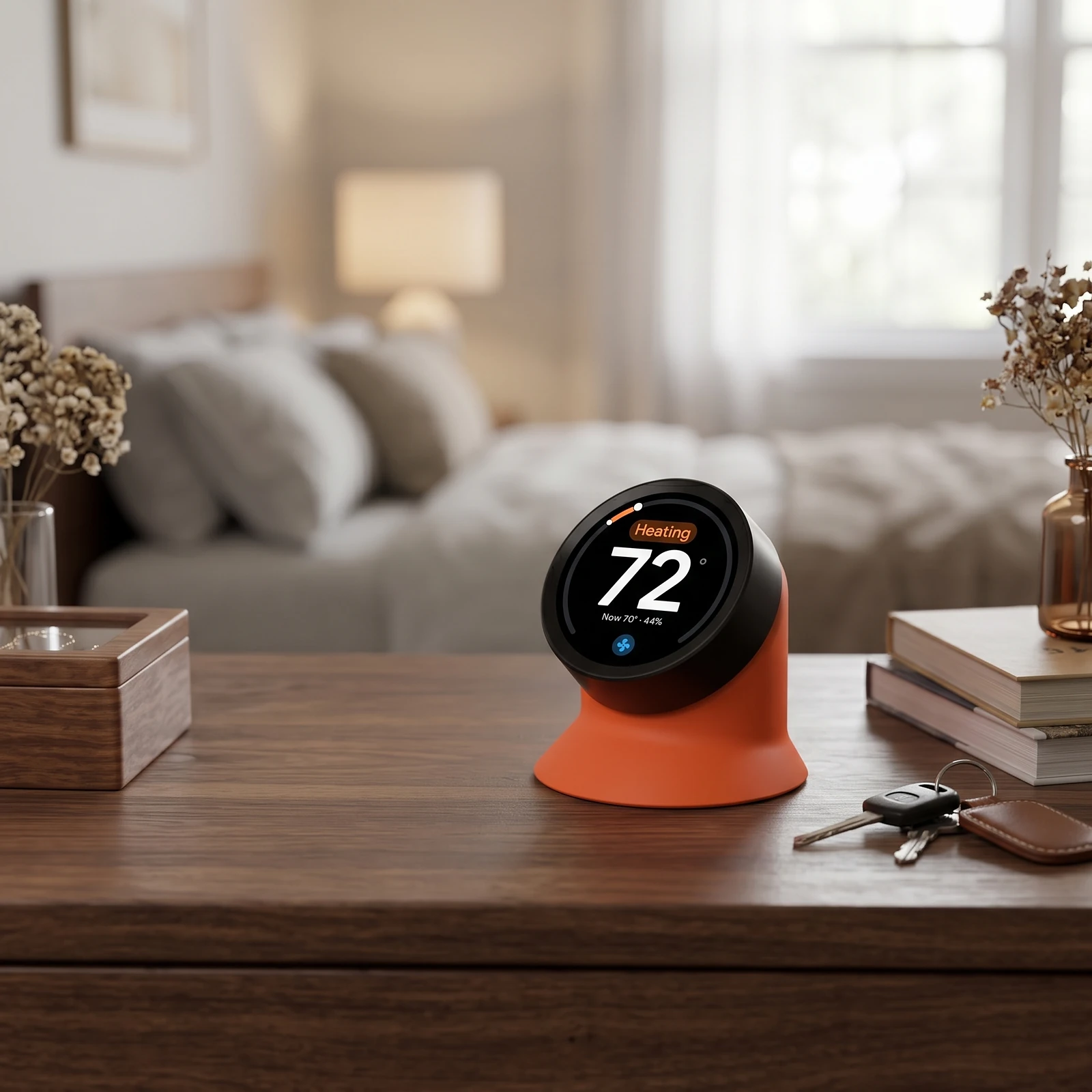

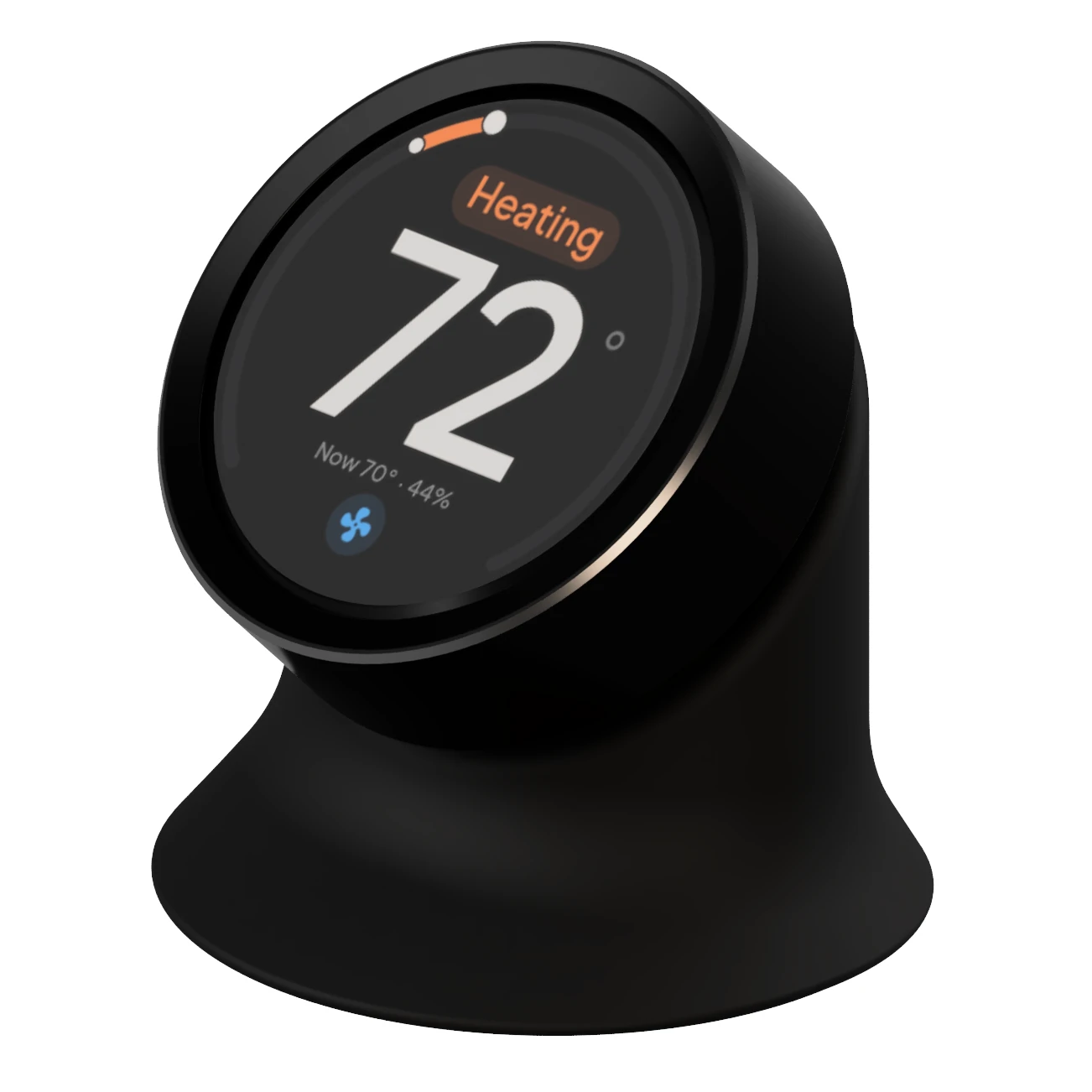
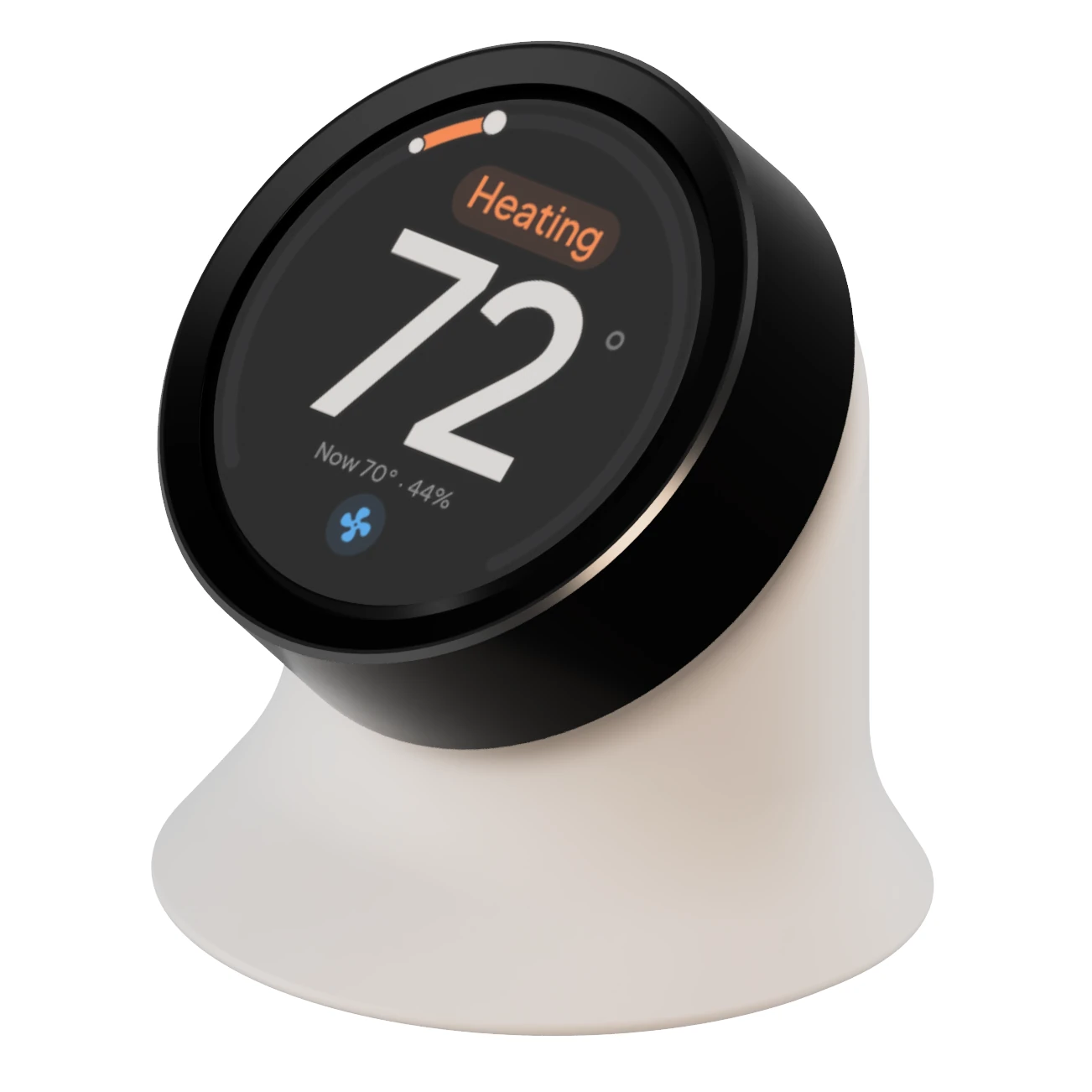
Serin Link · Rotary knob display In development
Control your mini split without a phone.
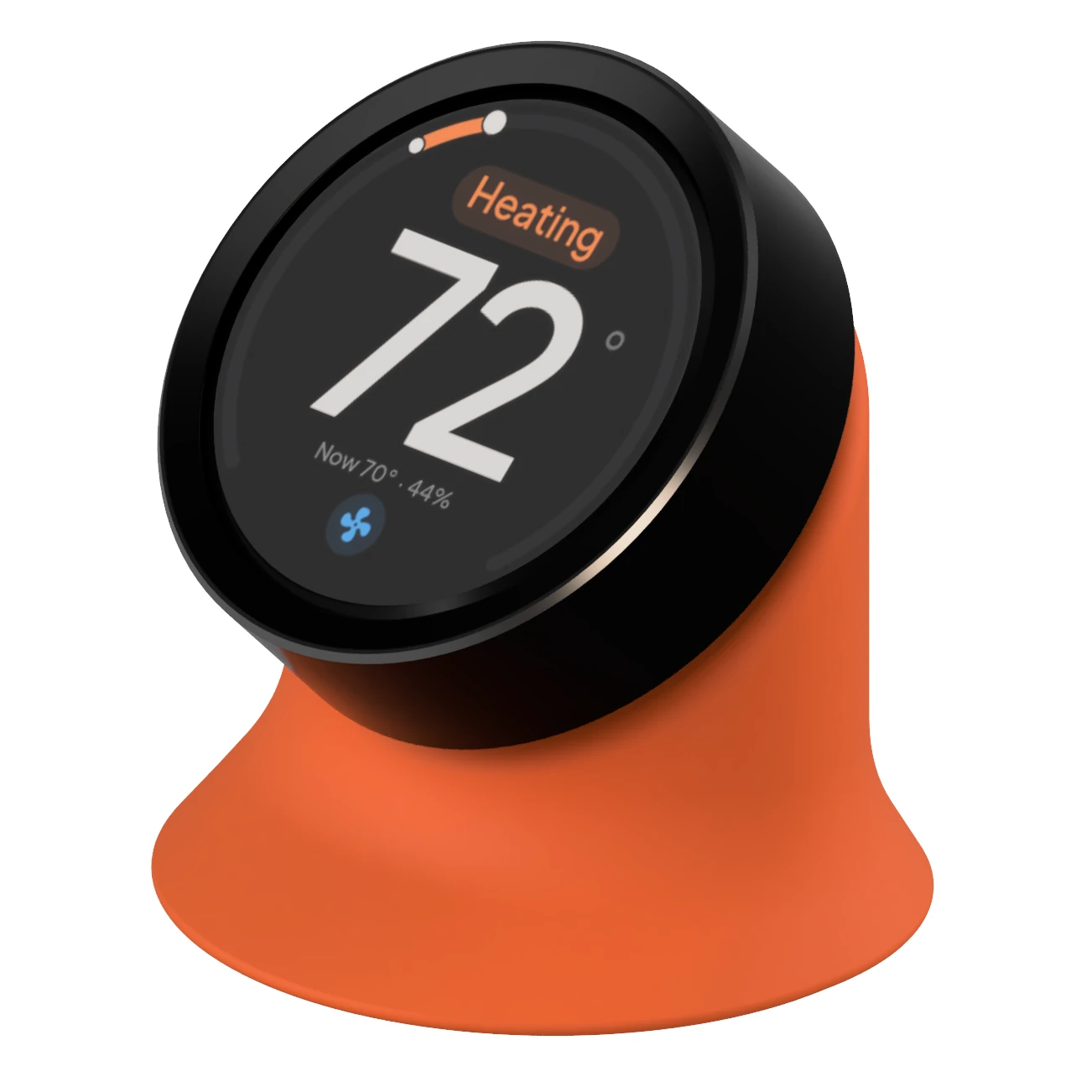
The Serin Link is a rotary knob display for mini splits and ducted air handlers. Set the temperature, mode, and fan speed by turning the knob. It connects to the controller at your indoor unit and works from a desk, shelf, or nightstand.
The first production run is being built now. Send a message and we will tell you the moment ordering opens.
Reserve yours Follow development on DiscordThe interface
Everyday controls, one knob.
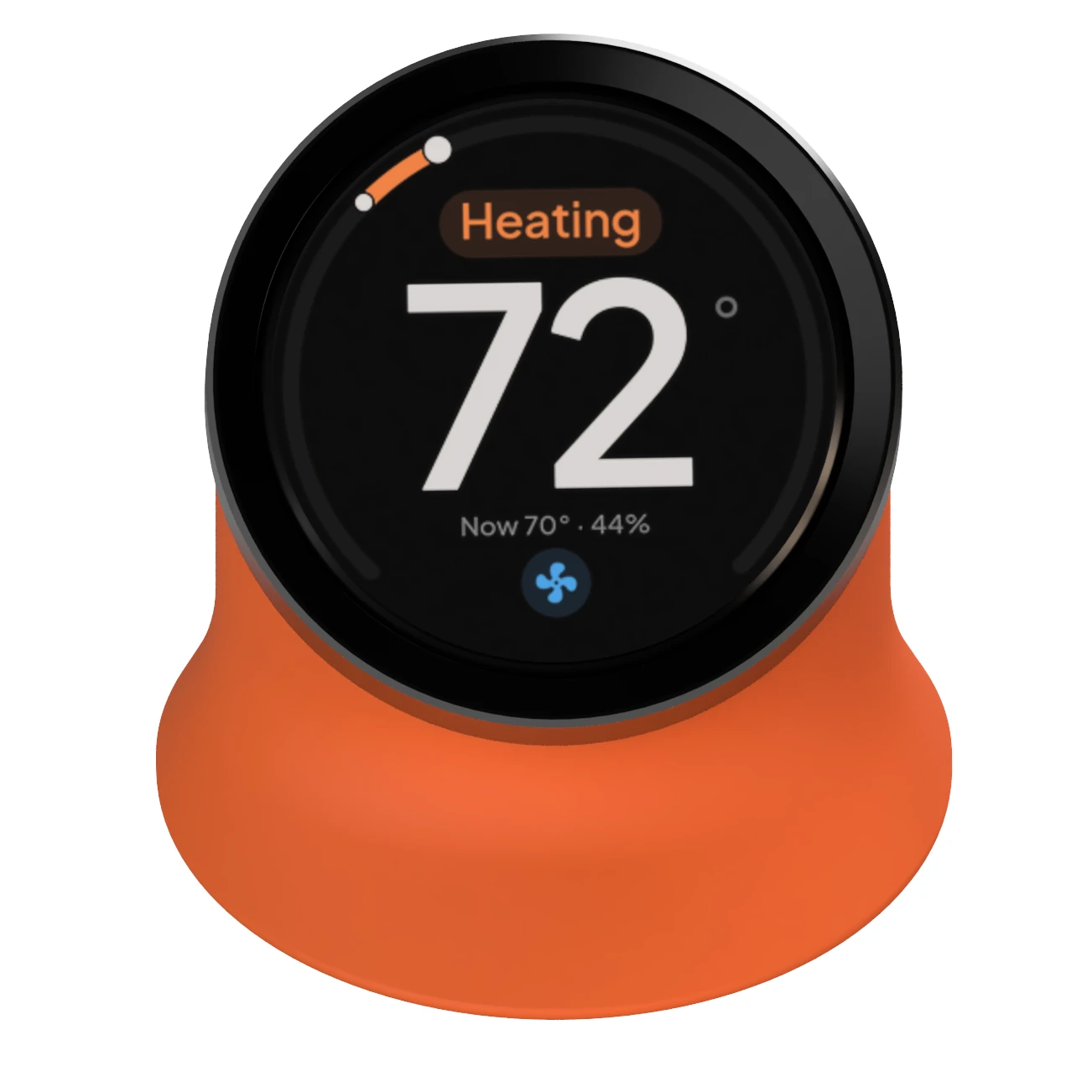
Turn the knob to change the target temperature. The curved indicator around the screen moves to show your selection. Press the knob to open the menu, or tap and swipe the touchscreen. The Serin Link only shows the modes and fan speeds your unit actually supports.


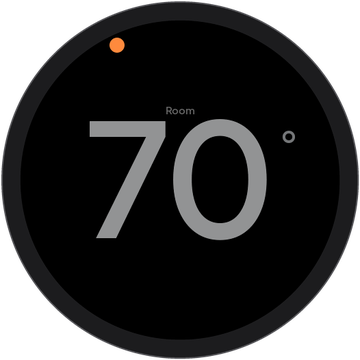
What else would you like to control with the knob? Share your ideas on Discord.
Onboard sensor
Measures the temperature where you sit.
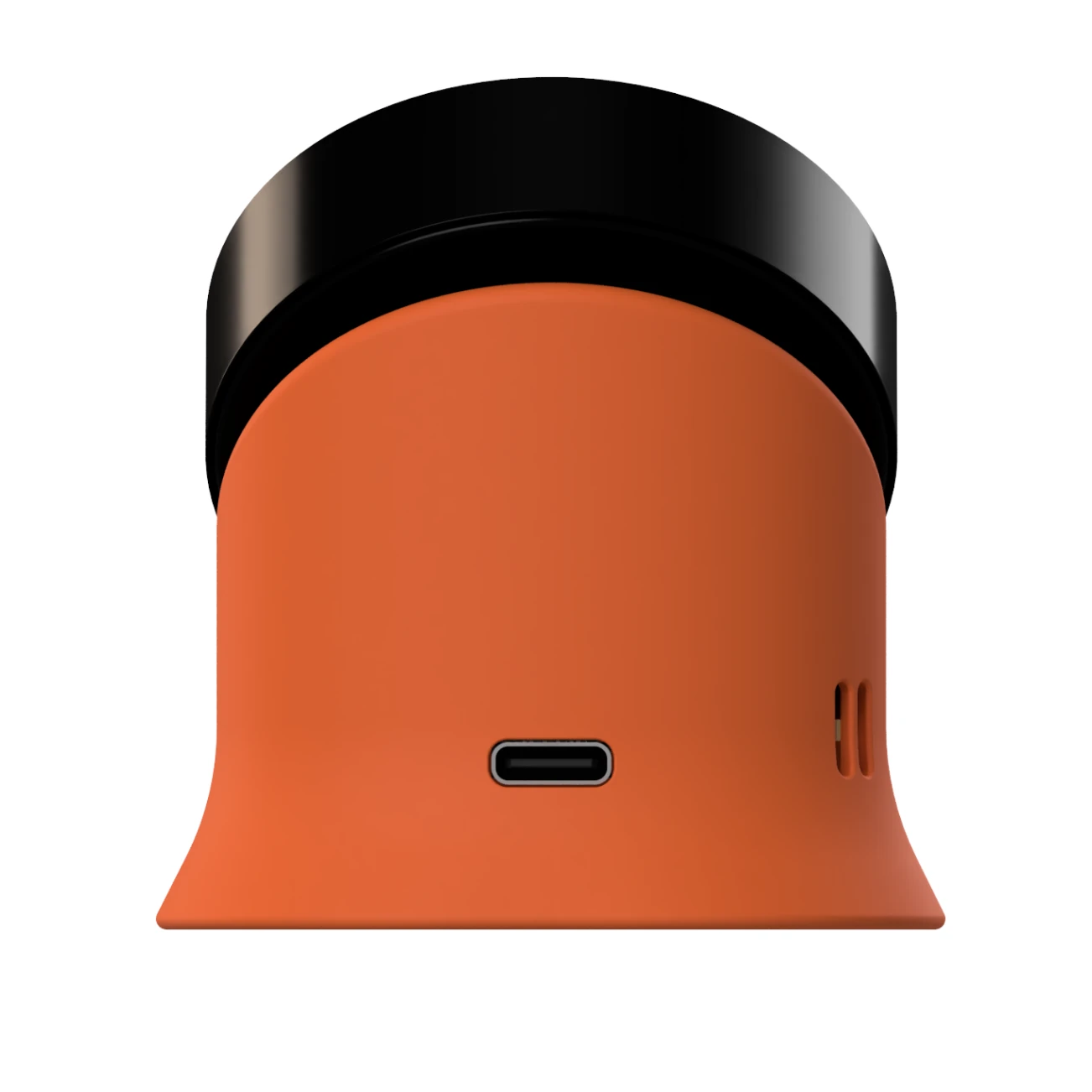
The base contains a temperature and humidity sensor that accounts for heat generated by the device itself. Once paired, the Serin Link can send its temperature reading to the controller. The heat pump then uses the temperature at your desk or bedside to control heating and cooling.
The Serin Link keeps sending temperature readings to the controller even if your Wi-Fi or smart home hub stops working.
How it fits
Works with the controller at your heat pump.
The Serin Link requires a Serin Controller installed at each indoor unit, or an ESP32 climate device running ESPHome with the serin_link component added. The controller operates the heat pump. The Serin Link shows its current settings and lets you change them.

Serin Link

Serin Controller
Indoor Unit
For Home Assistant
Works with your ESPHome devices.
Add the serin_link component to an ESP32 climate controller with a short YAML configuration. The YAML generator creates it for you. This configuration adds the Serin Link’s temperature and humidity readings to Home Assistant, along with controls for its screen, pairing, and primary Serin Link selection. The protocol and controller component are open source under the Apache-2.0 license on GitHub.
serin_link:
  climate_id: hvac
  pair_button:
  link_sensor:
screen:Tech specs
The hardware inside.
Product weight will be published before ordering opens.
Good to know
Frequently asked questions.
Does it need Wi-Fi?
Not for everyday use. The Serin Link connects wirelessly to the controller without using your home Wi-Fi. The controller uses Wi-Fi for updates and remote features. You can use the Serin Link to help connect the controller to Wi-Fi or change its network.
What does it need at the heat pump?
A Serin Controller at each indoor unit, or an ESPHome climate device running the serin_link component. The Serin Link does not talk to the heat pump directly.
Is it a thermostat?
It provides temperature controls and a room sensor, but it needs a separate controller to operate the heat pump. The Serin Link shows the current settings and lets you change them. Changing the target temperature on the Serin Link also updates it in your smart home app, and vice versa.
How do I switch between rooms?
Swipe left or right on the home screen to switch rooms. To open the room list, press and hold the knob or tap the room name.
Does it stay lit at night?
When idle, the screen shows a dim room temperature reading. You can set it to turn off instead. The first touch, knob turn, or knob press wakes the screen without changing any settings.
Can I install the firmware myself?
Yes. The firmware is free and open source. Connect a supported VIEWE 1.5-inch display module by USB and install it from your browser using the Serin Link flashing page. Installing the firmware yourself gives you all the screens and controls. The Serin Link kit also includes a stand and an additional circuit board with a room temperature sensor.
In development
Help shape the Serin Link.
Follow development, ask how it fits your setup, and tell us what you would like to control with the knob. Join the Serin Labs Discord for the discussion and announcements when ordering opens.
Prefer an email when ordering opens? Reserve yours.
In the box: the Serin Link, a USB-C cable, and a power adapter. The body is 3D printed.