 serin labs
An assembled Serin Link arrives with Link firmware installed. It needs a compatible Serin Controller or a configured ESPHome climate device. If you added a Serin Controller to your order, that Controller ships unflashed. Complete Controller setup before you pair Link. Adding the Controller to your order does not pair the two devices.
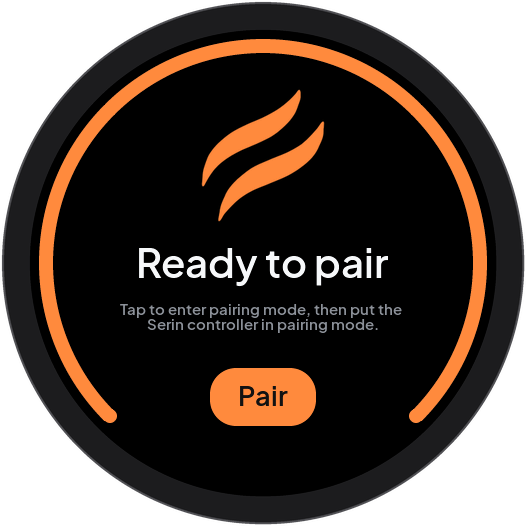
At first power-on, Serin Link has no paired Serin Controller. The screen shows that it is ready for pairing:
- Start pairing on the intended Serin Controller with the applicable instruction:
- With HomeKit-compatible or Matter-compatible firmware, select Pair in the controller web interface’s Link card.
- With ESPHome, select Pair Serin Link in Home Assistant or in the enabled ESPHome web interface.
- On Serin Link, touch Pair briefly or push the knob. A brief touch on the screen is a tap.

Keep the controller pairing window open until pairing is complete. If the window closes, open it again at the controller.
Tap Cancel to stop pairing.
When pairing is complete, the screen shows this message:
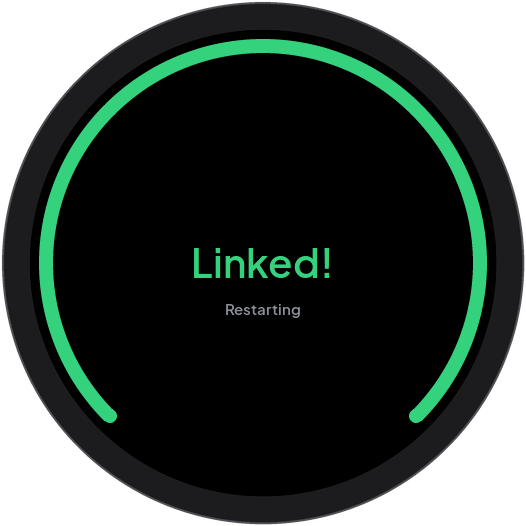
Serin Link restarts briefly. The screen then shows the current state of your heat pump. To add more zones, refer to Zones.