 serin labs
The Best Kumo Cloud Alternative for Local Mitsubishi Control
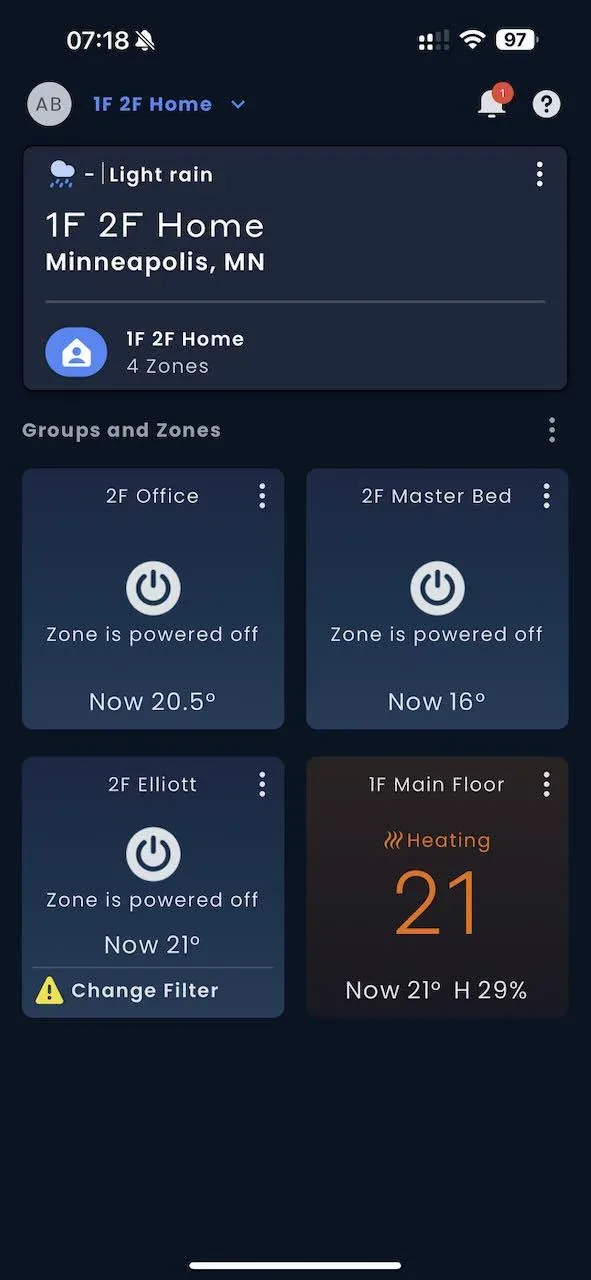
I stopped using Kumo Cloud the day it asked me to sign in before it would change the temperature. For a heat pump bolted to my own wall.
The app works fine. It just needs a Mitsubishi account and Mitsubishi's servers for setup, remote access, and schedules, and half the time it couldn't reach every setting the heat pump exposes anyway. So I cut it out and went local.
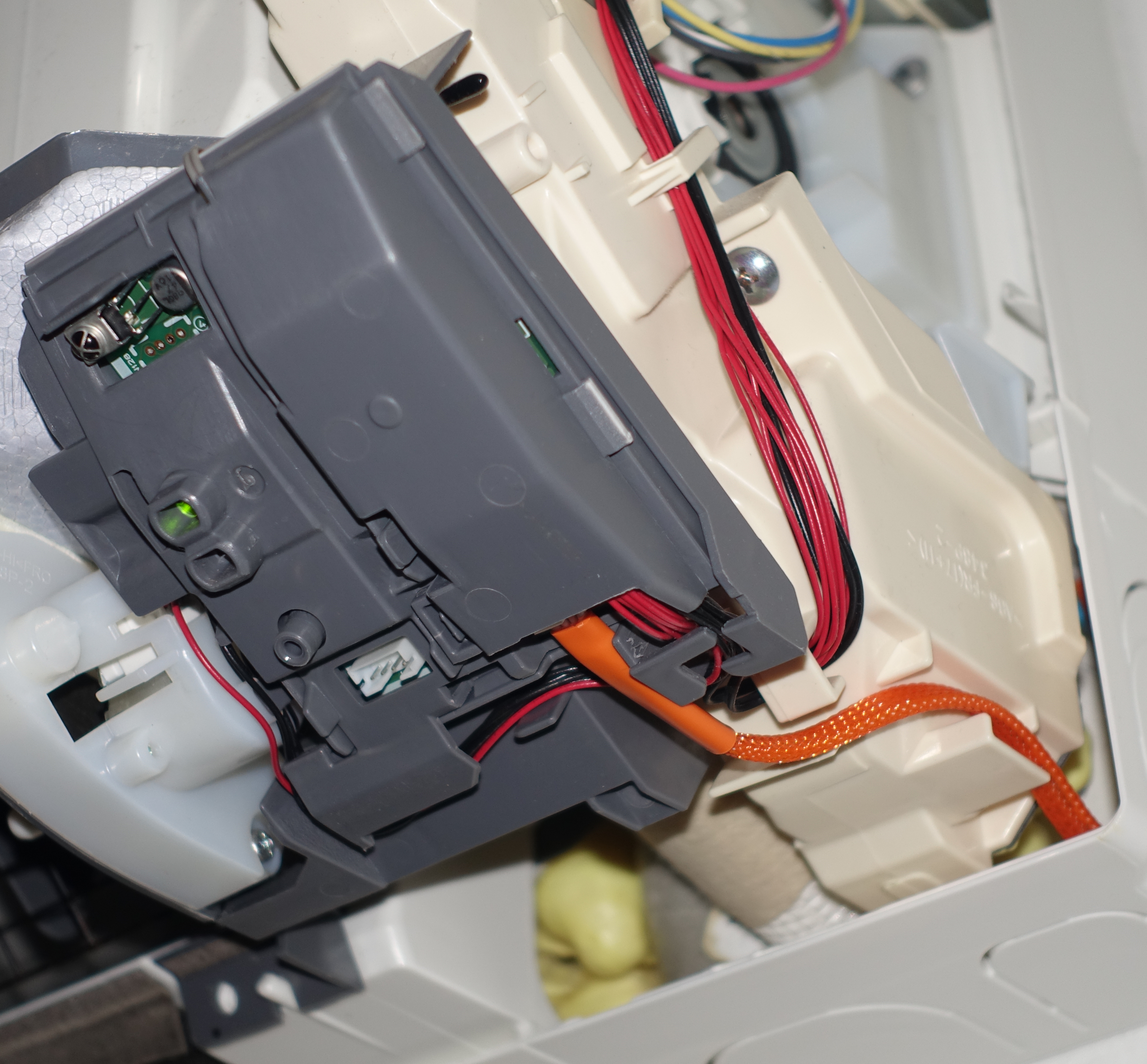
This is the Kumo Cloud alternative I landed on: a small ESP32 board, the Serin controller, that clips onto the CN105 serial port already sitting inside most Mitsubishi indoor units. It talks to the heat pump directly over serial and keeps every command on your own network. No account. No cloud. Nothing to pay each month.
Quick Facts
- What it is: a pre-assembled ESP32 controller for Mitsubishi mini-splits
- Boards: M5Stack NanoC6 or Atom S3 Lite
- Connects via: the CN105 serial port; one controller per indoor unit
- Firmware: ESPHome (Home Assistant) or Apple Home compatible, both free and open source
- Flashing: browser-based over USB, no software to install
- Cloud / account: none, ever
- Price: ~$15–20 DIY, or pre-assembled
Why I Ditched Kumo Cloud
Kumo Cloud does the basic job. Set a temperature, pick a mode, done. That's most of what anyone needs on a Tuesday.
The catch is the cloud bolted to it. You need a Mitsubishi account. Setup and away-from-home control lean on Mitsubishi's servers, so your thermostat rides on someone else's uptime and someone else's roadmap. Your usage data leaves the house.
And the day Mitsubishi changes the app, retires a feature, or drops an older Wi-Fi adapter, you go along with it. That's just what "cloud" means, and none of it is a scandal. But this is a machine I touch every day, in my own home, and I'd rather not have a middleman in the doorway.
What the Local Alternative Actually Is
The Serin controller is a pre-assembled ESP32 board with a cable that clips onto the CN105 port inside the indoor unit. Once it's in, your mini-split becomes a normal device on your Wi-Fi. Control it from your phone, a browser, or your smart home platform. All of it stays on your LAN.
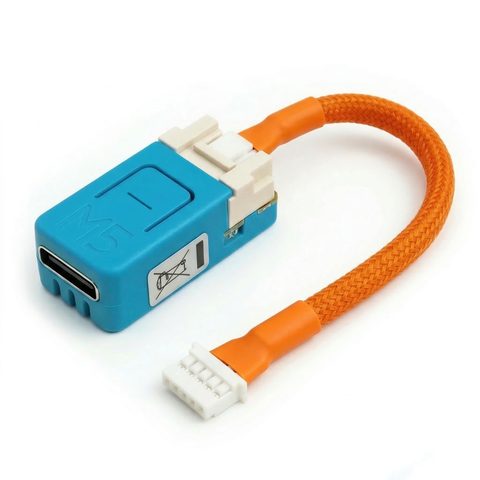
You flash it from your browser over USB. No soldering, nothing to compile. There are two firmware options, and you pick based on the smart home you already live in. Both are fully local. Both are free and open source.
Kumo Cloud vs. Running It Locally
| Kumo Cloud | Serin controller (local) | |
|---|---|---|
| Account required | Yes, a Mitsubishi account | None |
| Internet needed | Yes, for setup and away-from-home control | No, control runs on your LAN |
| Where your data goes | Mitsubishi's cloud servers | Stays on your home network |
| Remote access | Built in, through the cloud | Through Home Assistant or an Apple Home hub |
| Home Assistant | Not officially supported | Native, via ESPHome |
| Apple Home + Siri | No | Yes, with the Apple Home compatible firmware |
| Unit diagnostics | Limited | Compressor frequency, error codes, and live logs in the web UI |
| Ongoing cost | Free app, tied to the cloud | No fees, no cloud |
| How it connects | Mitsubishi's Wi-Fi adapter | CN105 serial port |
Will It Work on Your Unit?
Everything hinges on one port. The Serin controller connects to the CN105 serial port, built into most Mitsubishi Electric indoor units. Confirm yours has it before you buy anything, and the rest is easy.
Quick proxy: if your unit runs on Kumo Cloud today, or MELCloud in Europe, that's a reliable sign it has CN105 and will work here. Still, take five minutes and confirm your unit has CN105 for certain. It's the difference between a clean swap and ordering hardware for a unit that can't use it.
Two Ways to Run It Locally
Which firmware you flash comes down to one thing: where you want to control the heat pump from. It's a big enough question that I wrote a full ESPHome vs Apple Home comparison. The short version:
- You run Home Assistant, or want to. Flash ESPHome. Your mini-split shows up as a native climate entity, and every HA automation applies. Start with the ESPHome setup guide.
- You're an Apple household with no server ambitions. Flash the Apple Home compatible firmware. It pairs straight into the Apple Home app, Siri works, and nothing sits in the middle on your Wi-Fi. Start with the Apple Home setup guide.
Both do everything Kumo Cloud did, and then some. One heads-up: the Apple Home firmware isn't MFi-certified, so the Home app asks you to tap "Add Anyway" when you pair it. That prompt is expected. The device works normally right after.
What You Keep, and What You Gain
Leaving Kumo Cloud keeps the conveniences. You just get them without the cloud tax.
Remote access still works. With ESPHome it rides on however you already reach Home Assistant from outside the house. With the Apple Home firmware it goes through an Apple Home hub, an Apple TV or a HomePod. On your home Wi-Fi you need nothing extra.
Scheduling still works. You lose Kumo Cloud's built-in scheduler and gain your platform's: Home Assistant automations, or Apple Home schedules and scenes. Both leave a basic app timer in the dust.
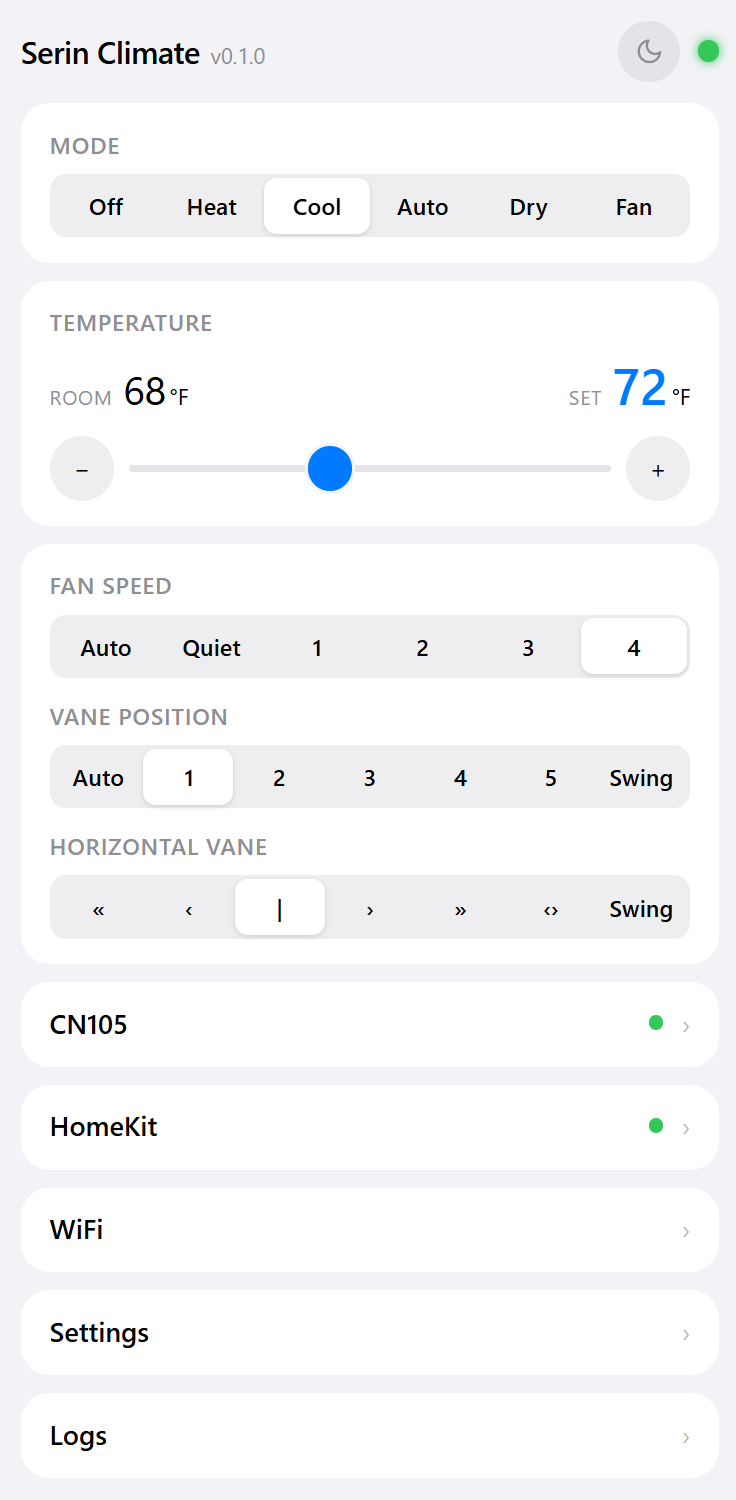
You finally see the unit. The built-in web UI shows what the factory app never did: compressor frequency, outside air temperature, runtime, error codes, live logs. Phone off, hub unplugged, doesn't matter. Open the controller's IP in a browser and drive the heat pump directly.
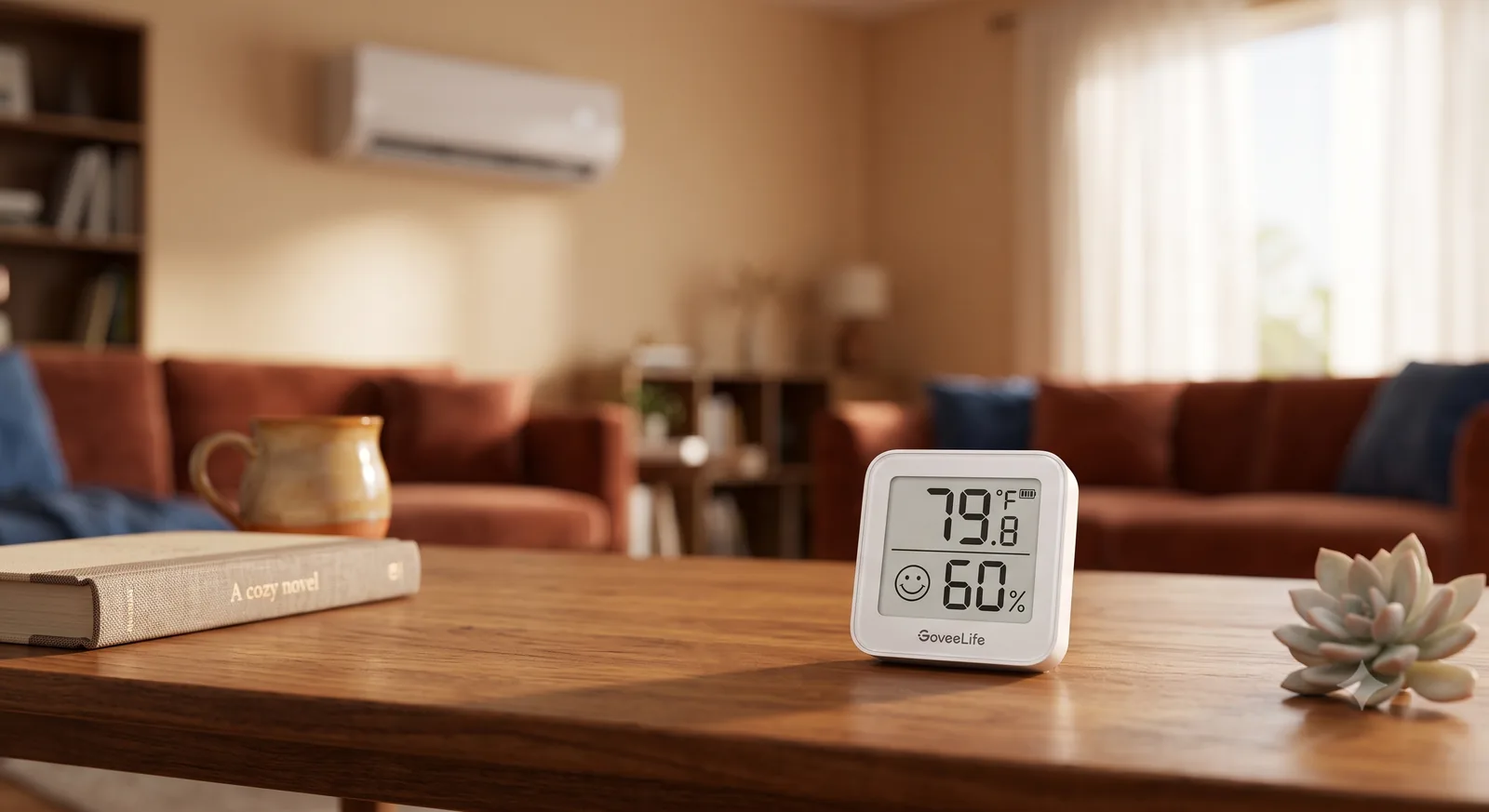
A real room sensor, if you want one. A mini-split reads temperature up at the indoor unit, near the ceiling, where the air runs a few degrees warmer than where you sit. Both firmwares support an optional remote temperature sensor at seating height instead: any Home Assistant sensor on the ESPHome side, or an inexpensive BLE thermometer on the Apple Home side. It was the single biggest comfort upgrade I made. Kumo Cloud has no equivalent.
Is It a Drop-In Replacement?
No, and I'd rather be straight about it. Kumo Cloud is install-an-app easy. Going local asks a little more: order the board and cable, pop the indoor unit's cover, clip the cable onto CN105, then flash the firmware from your browser and join it to Wi-Fi. Call it a coffee's worth of setup, not thirty seconds.
What you get back is a heat pump that answers to you and nobody else. No account. No server outage that takes your schedules and remote access with it. No quiet worry about what happens to the app three years from now. Once it's set up, there's nothing to maintain and nothing to renew.
And if you catch the Home Assistant bug later, you can reflash from Apple Home to ESPHome, or the other way, any time. Same browser tool, no rewiring. I put the Apple Home firmware on my parents' units for exactly that reason. They already had iPhones. Scan a QR code, walk away.
What About MELCloud?
Outside North America your app is MELCloud, not Kumo Cloud. Same story. Same manufacturer, same account-and-cloud model, same dependency. The Serin controller doesn't care which region your unit shipped to. It talks to CN105 the same way regardless. Everything here applies whether you're walking away from Kumo Cloud or MELCloud. If your unit runs on either one today, it has the port you need.
Who Should Make the Switch
- You run Home Assistant, or plan to. Flash ESPHome and skip the cloud entirely.
- You're an Apple household with no server. Flash the Apple Home compatible firmware. Siri, scenes, done.
- You just want out of the account-and-cloud model. Either firmware gets you there. Both are local, both are free.
The path is short:
- Check that your unit has a CN105 port. If it runs on Kumo Cloud or MELCloud today, it almost certainly does.
- Get the board and cable, one per indoor unit.
- Flash the firmware from your browser. ESPHome for Home Assistant, or the Apple Home compatible build for Apple households.
Same heat pump, same comfort, without the account or the cloud sitting in between.
Related
Next step
Check your unit first
Type your indoor unit's model number for a verdict in under a minute. If it fits, the firmware flashes in the browser in about two minutes.